
Nano Banana 2.1 Image Generator
The newest Nano Banana: an update to Nano Banana 2 for polished everyday images, reference-based edits and up to 4K output.
Prompts to try with Nano Banana 2.1
Sketch-to-product renders, room makeovers, outfit swaps, season changes and product shots. Click an example to load its prompt.
What Nano Banana 2.1 is good at
Newest Nano Banana
An update to Nano Banana 2 for the same everyday jobs, from drafts to finished images.
Polished look
Portraits, lifestyle scenes, interiors and product shots that look finished without a long production brief.
Image edits
Turn a sketch into a render, redesign a room, swap an outfit or change the season while keeping the rest of the image.
Reference images
Attach up to eight reference images to keep a face, a product or a style consistent.
1K, 2K and 4K output
Iterate at 1K for 7 credits, then export at 2K (8) or 4K (10) once the composition is set.
Aspect ratio control
Pick the frame before generating so the composition is built for that ratio instead of being cropped afterwards.
Why choose Nano Banana 2.1?
Nano Banana 2.1 is the newest model in the Nano Banana family. It covers the same everyday work as Nano Banana 2 — aesthetic images, light edits, 1K/2K/4K — for one extra credit per tier. Use Nano Banana Pro when legible text or very dense scenes are the main requirement.
How to write a Nano Banana 2.1 prompt
Keep the brief simple, say what must not change when editing, and adjust one thing per run.
Keep the brief simple
One subject, one setting, one style. Add only the details that must appear.
Say what must not change
When editing, name what stays fixed — the face, the layout, the lighting — before describing the change.
Adjust one thing per run
Lock the composition at 1K, change colour, wardrobe or lighting on the next run, then export at a higher resolution.
Other image models
Same generator, different strengths. Switch models when you need more detail, clearer text, faster drafts, or tighter layout control.
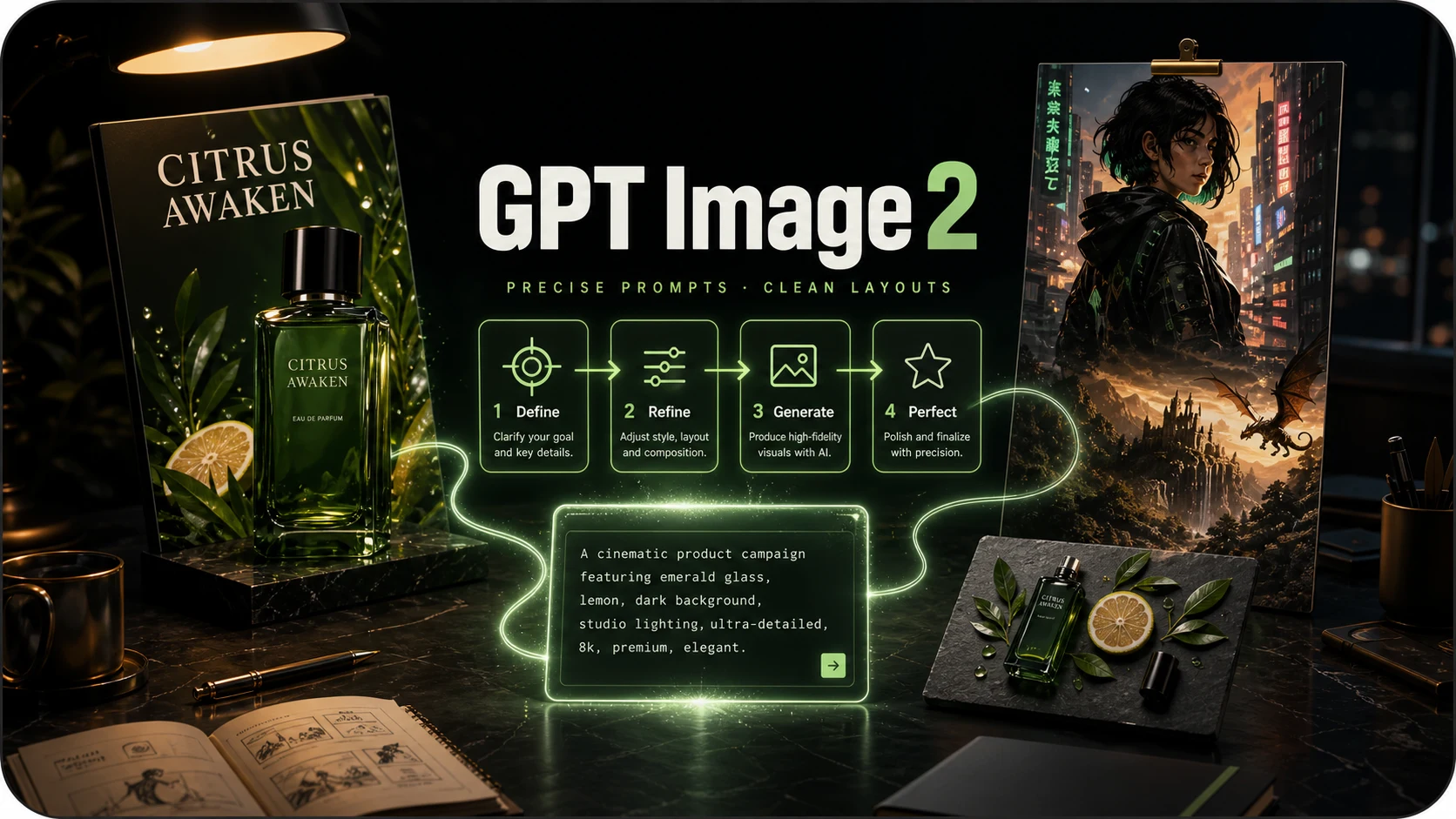
OpenAI prompt-faithful layouts and diagrams from 4 credits — compare with Flare, Sunburst and Nano Banana Pro.
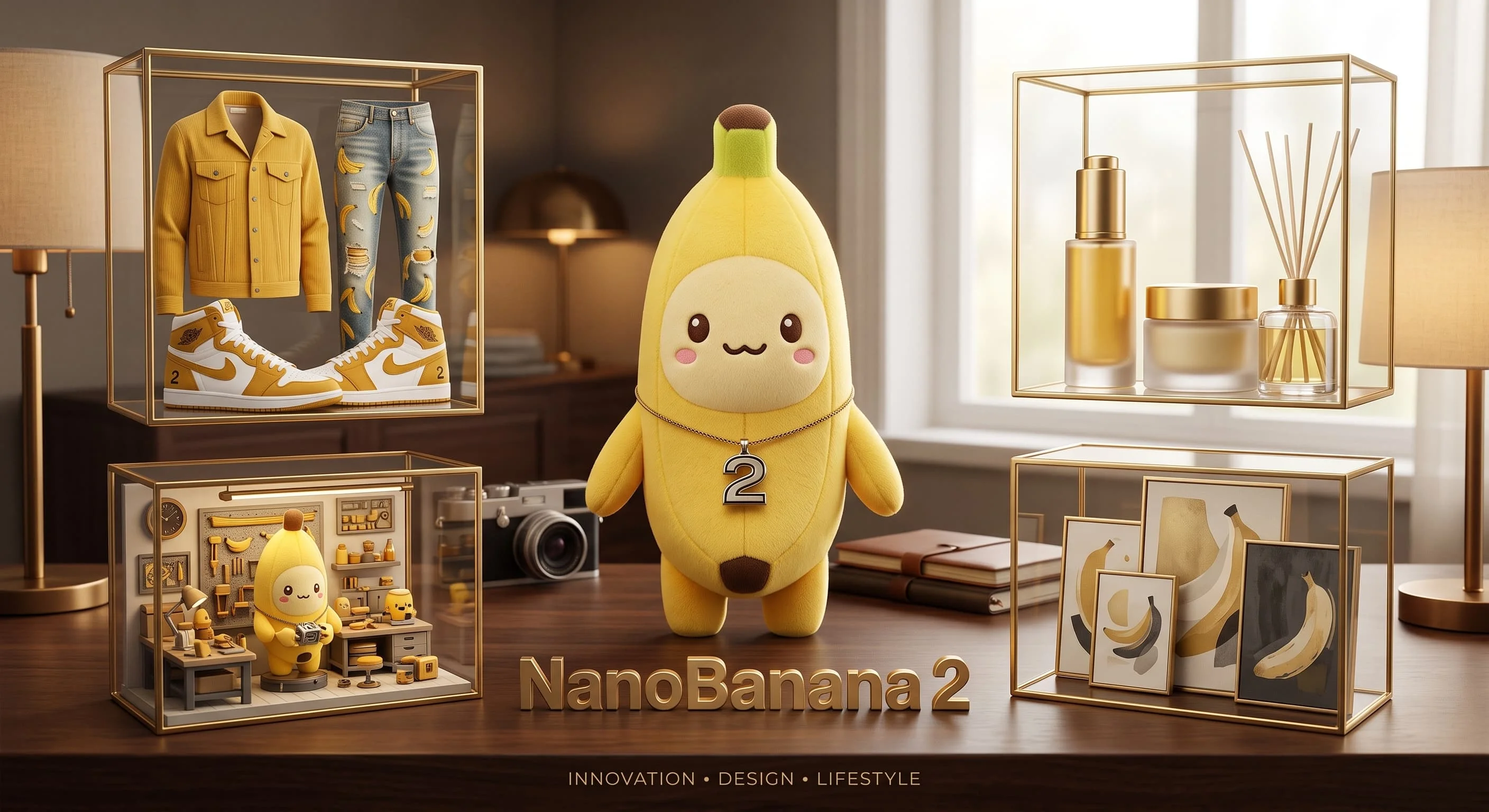
The original Nano Banana for quick 1K images and simple edits — 4 credits an image.
Lightweight Nano Banana 2 for 1K drafts and simple edits — 4 credits an image.
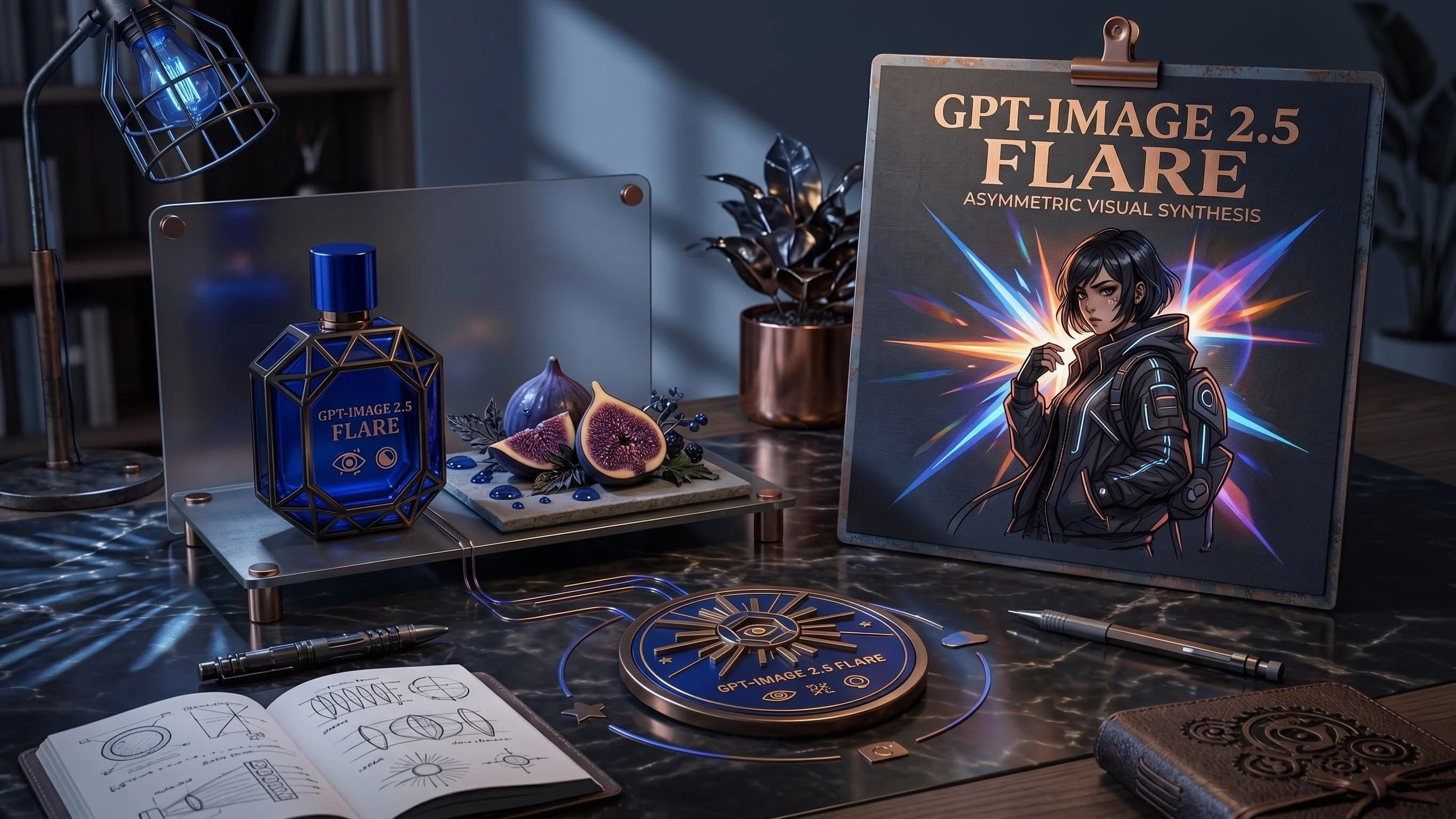
Fast GPT Image 2.5 default for iteration — from 6 credits, up to 8 refs. Escalate to Sunburst for precision.
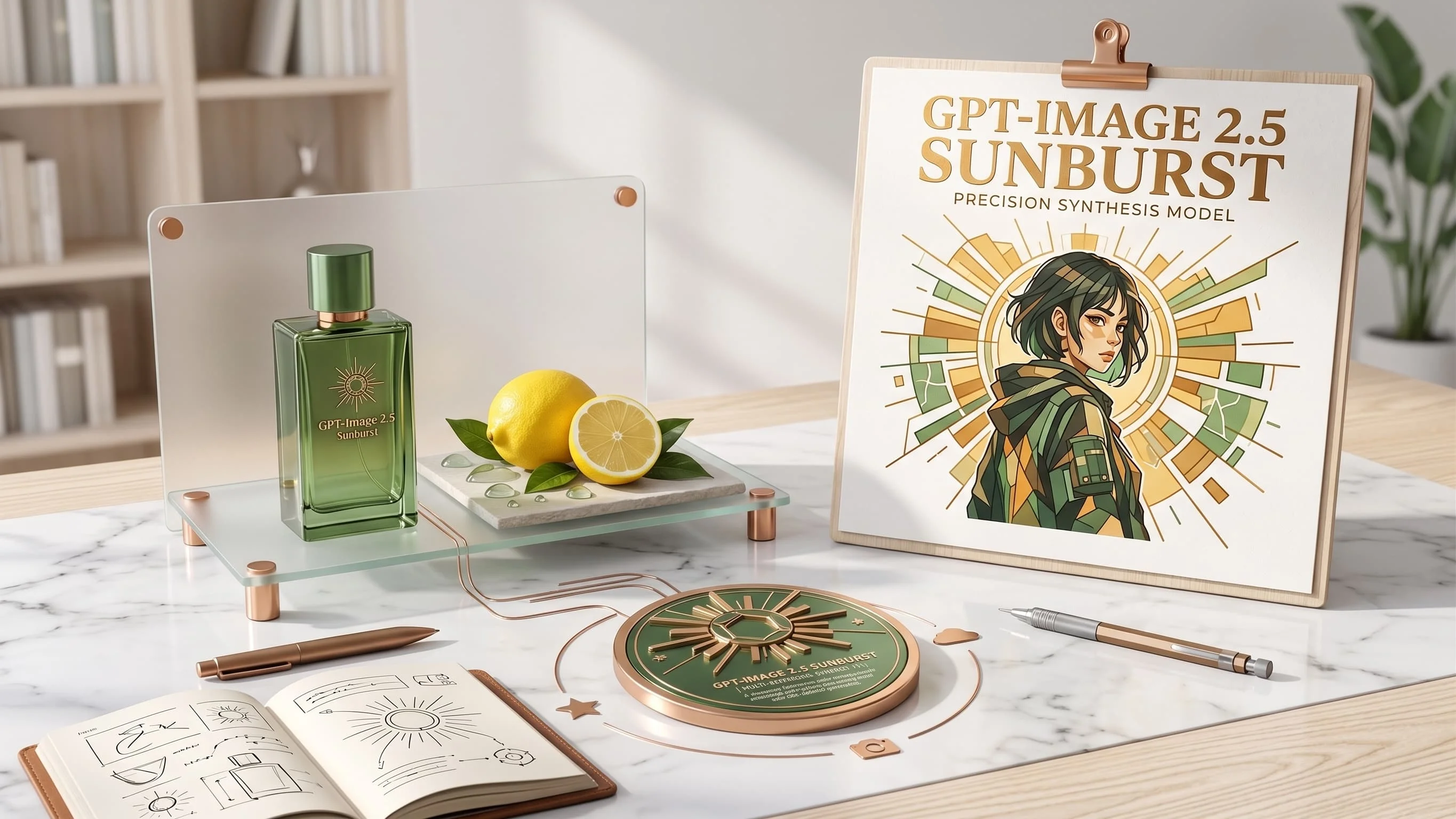
Precision GPT Image 2.5 for materials and multi-turn edits — from 6 credits, same band as Flare.
Faster, lighter Nano Banana for daily aesthetic shots and light edits — from 6 credits, up to 4K.
Nano Banana 2.1 FAQ
What people ask before their first image on Nano Banana 2.1.
What is Nano Banana 2.1?
It is the newest Nano Banana image model from Google, an update to Nano Banana 2 for everyday generation and edits at 1K, 2K and 4K.
How much does one image cost?
From 7 credits per image at 1K (8 at 2K, 10 at 4K), charged when the image is delivered. A generation that fails is not charged.
When should I use Nano Banana Pro instead?
Switch to Nano Banana Pro (from 10 credits) when posters need exact wording, scenes are very crowded, or fine engraving has to hold up. Stay on 2.1 for everyday images and edits.
Should I pick 2.1 or Nano Banana 2?
They cover the same kind of work, and 2.1 costs one credit more per tier. Run the same prompt on both and keep the model whose results you prefer.
Do I need a Google account or an API key?
No. Sign in here and generate with the same credits as every other model — no separate vendor account.
Can I batch images or use references?
Each run returns one image. You can attach up to eight reference images for identity or style guidance.
Create with Nano Banana 2.1
Polished images and edits from 7 credits an image.